Move and Resize Report Elements
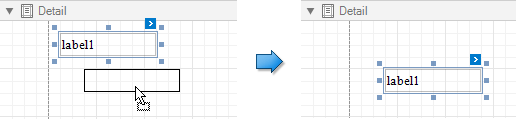
You can use the mouse or keyboard to move a report control to a new location.
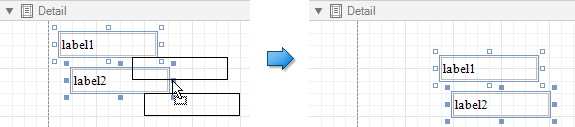
You can select multiple controls and move them in the same way as individual report controls.
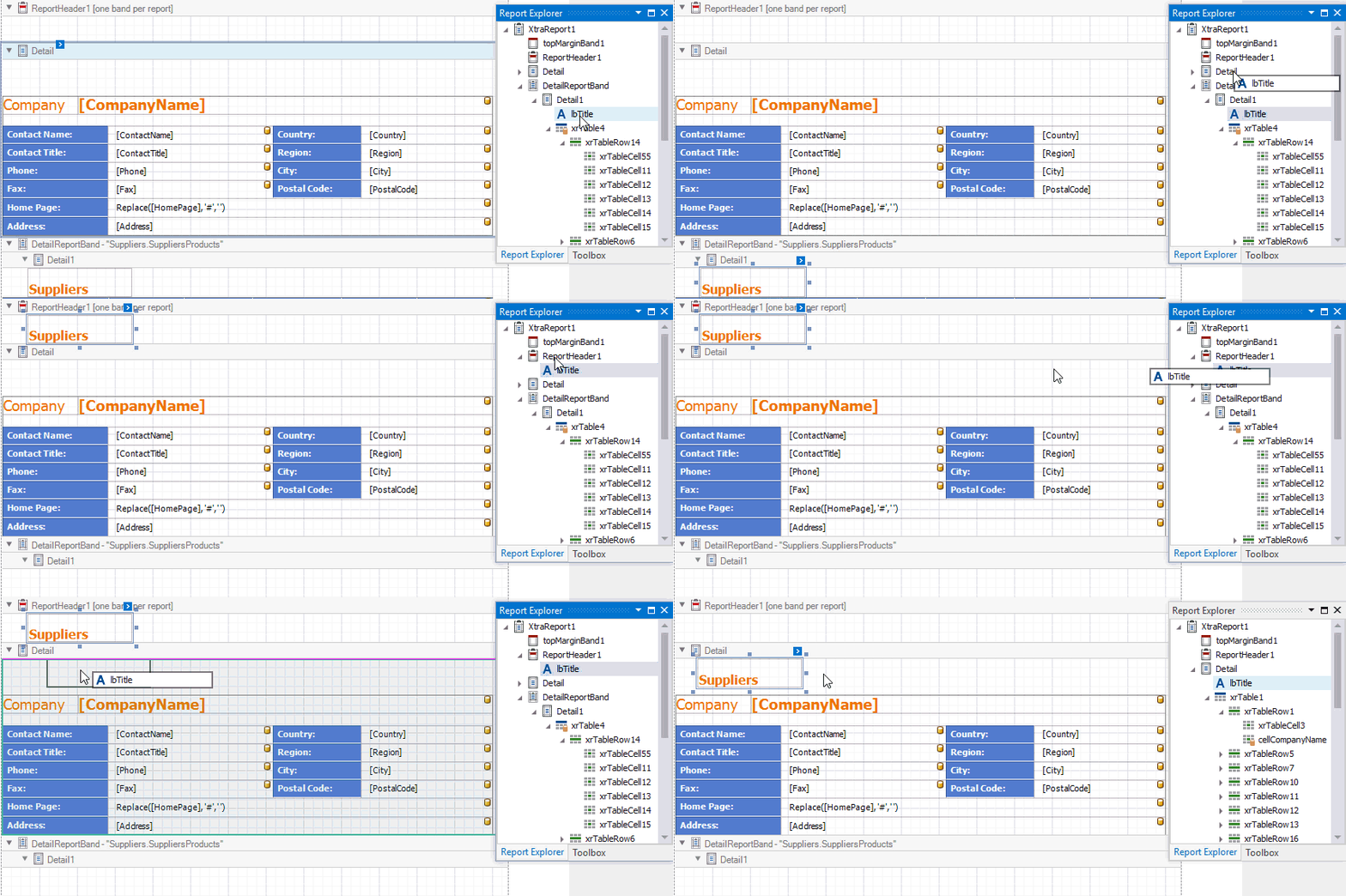
You can also use the Report Explorer to move a control. You can move controls to other bands (except the DetailReport band), or into a Panel or TableCell controls. Select a control and drag it (either within the Report Explorer or to the design surface). The drop targets are highlighted when you drag the control over them.
[!NOTE] You can drag the TableOfContents control only to the ReportHeader and ReportFooter bands.
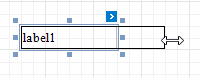
To resize a control, select it and then drag a rectangle drawn on its edge or corner.
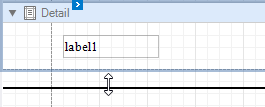
Drag a band's header strip to resize the band.
You can also press SHIFT+ARROW or CTRL+SHIFT+ARROW to resize a selected element.
See Arrange Report Controls for information about tools that help you align report controls to each other and layout edges.