Localize Reports
This document describes how to localize a report for different languages and cultures.
To localize a report, open it in the Report Designer and specify a report language other than Default. Change the reporting controls' text, sizes, and locations and save the report. All language-specific changes are saved with the report. When a localized report is displayed in Preview, the document contains modifications that match the application's culture.
Perform the following actions to localize a report:
-
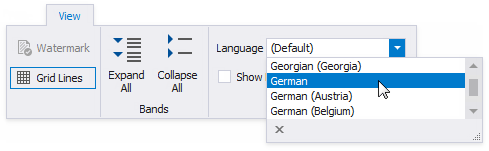
In the Report Designer Toolbar, switch to the View tab and select the language in the drop-down list in the Localization group.
-
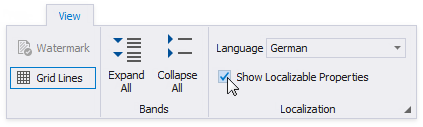
Enable the Show Localizable Properties option to display only localizable properties in the Property Grid.
-
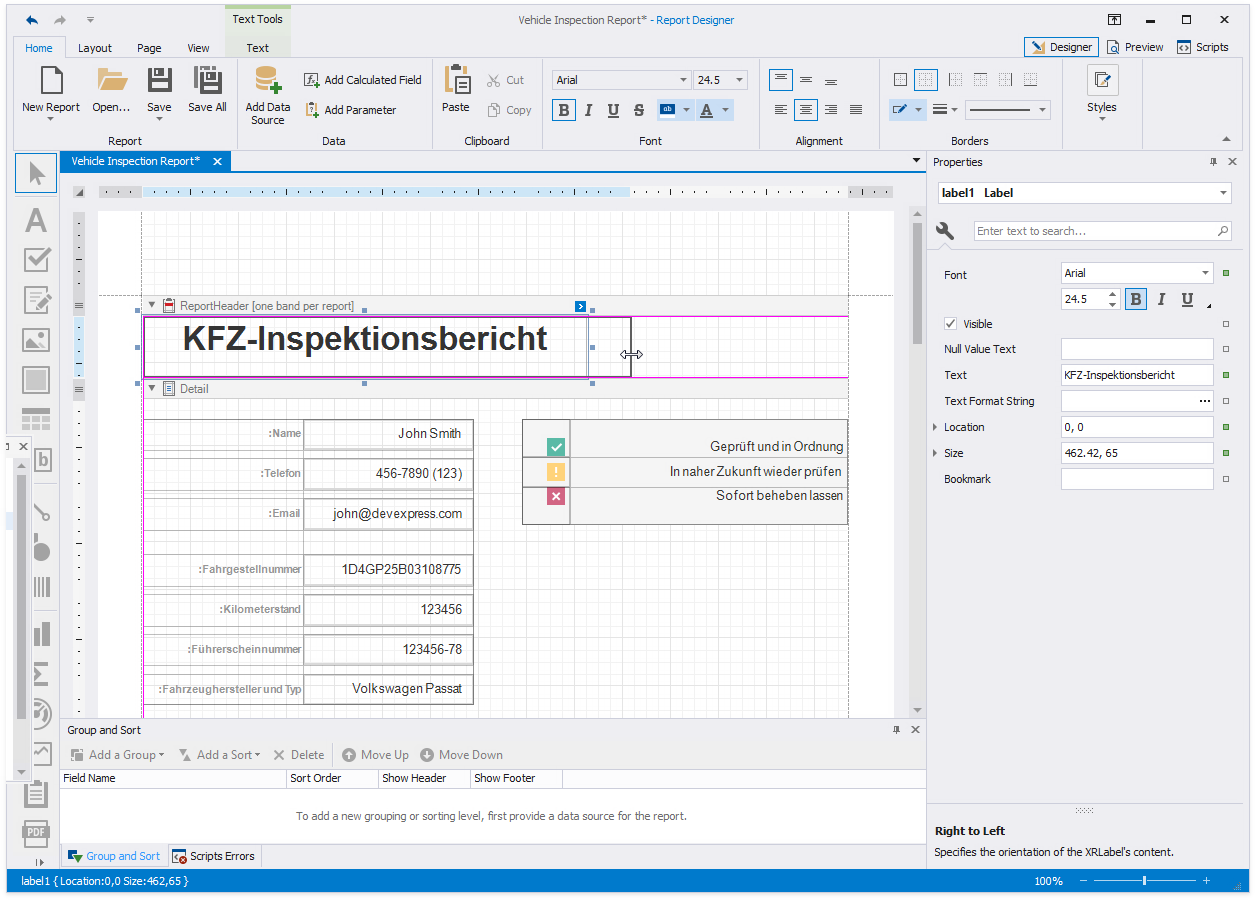
Edit the report layout and change the controls' property values. You can move and resize a control.
-
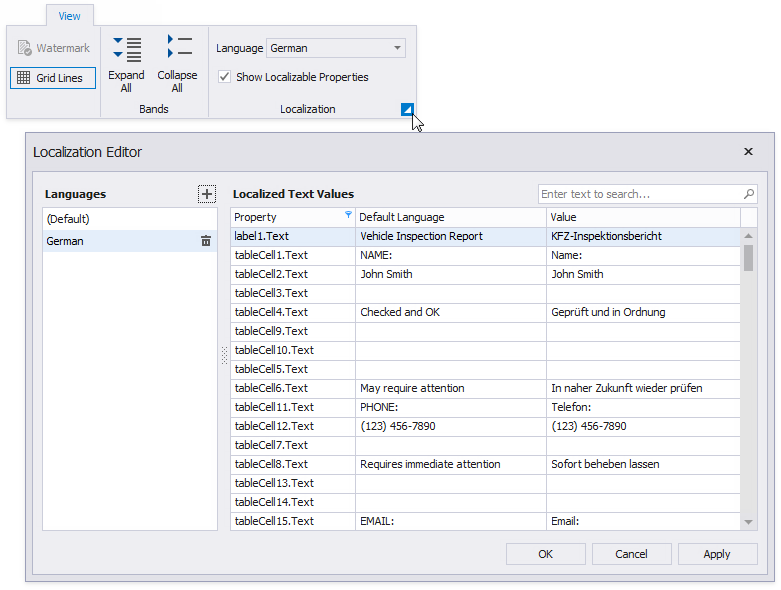
Click the dialog box launcher to invoke the Localization Editor. It allows you to change text strings in the report and expedite the translation process.
-
Save the report. Localized values are stored in the report file.